
Welcome to the Revolut POS documentation! This guide provides all the information you need to set up and use the Revolut POS system to streamline your business operations.
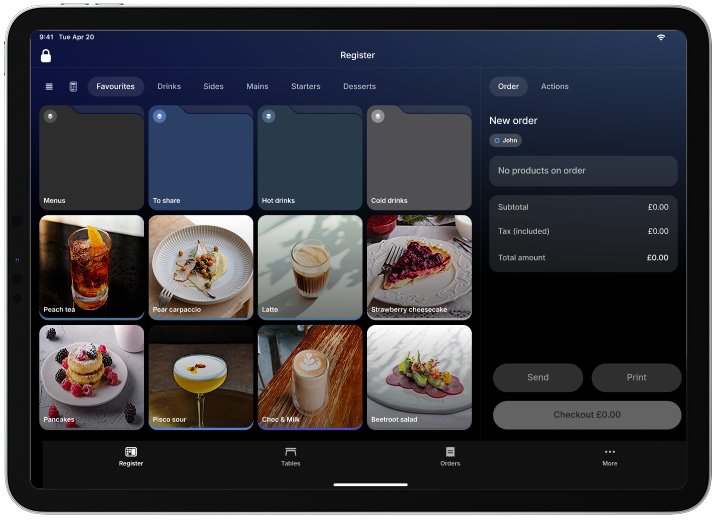
Key concepts
- Web app: Manage your product catalog, staff permissions, and system settings.
- iOS app: Process orders, take payments, and manage table service on your iPad or iPhone.
- Integration with Revolut Reader and Revolut Terminal: Easily accept card payments.
- Comprehensive reports: Track sales, tax, and staff performance metrics.
Supported hardware
-
iPad: Requires iPadOS 15.0 or later.
-
iPhone: Requires iOS 15.0 or later.
If you use Tap to Pay, your iPhone will need iOS 16.4 or later.
-
Mac: Requires macOS 12.0 or later and Apple M1 chip or later.
-
Card readers: Works seamlessly with Revolut Reader and Revolut Terminal.
-
Printers: Compatible models include Star TSP100III (Bluetooth, USB, Wireless) and Epson TM-m30III.
-
Cash drawers: Compatible models include SMD2, CD3, CD4.